What is Alloday?
A time-blocking day planner. Pick today's top 4, place them on a 30-minute timeline, and close the day with a mood and one line.
 alloday.

Your priorities. Your time. Together.
That task on your list.
Give it some time today.
A daily planner with time blocking.
Pick four priorities and give each a place in your day.
Mac · iPhone · iPad
From a to-do to a place in your day
A day you can manage,
not just a longer list.
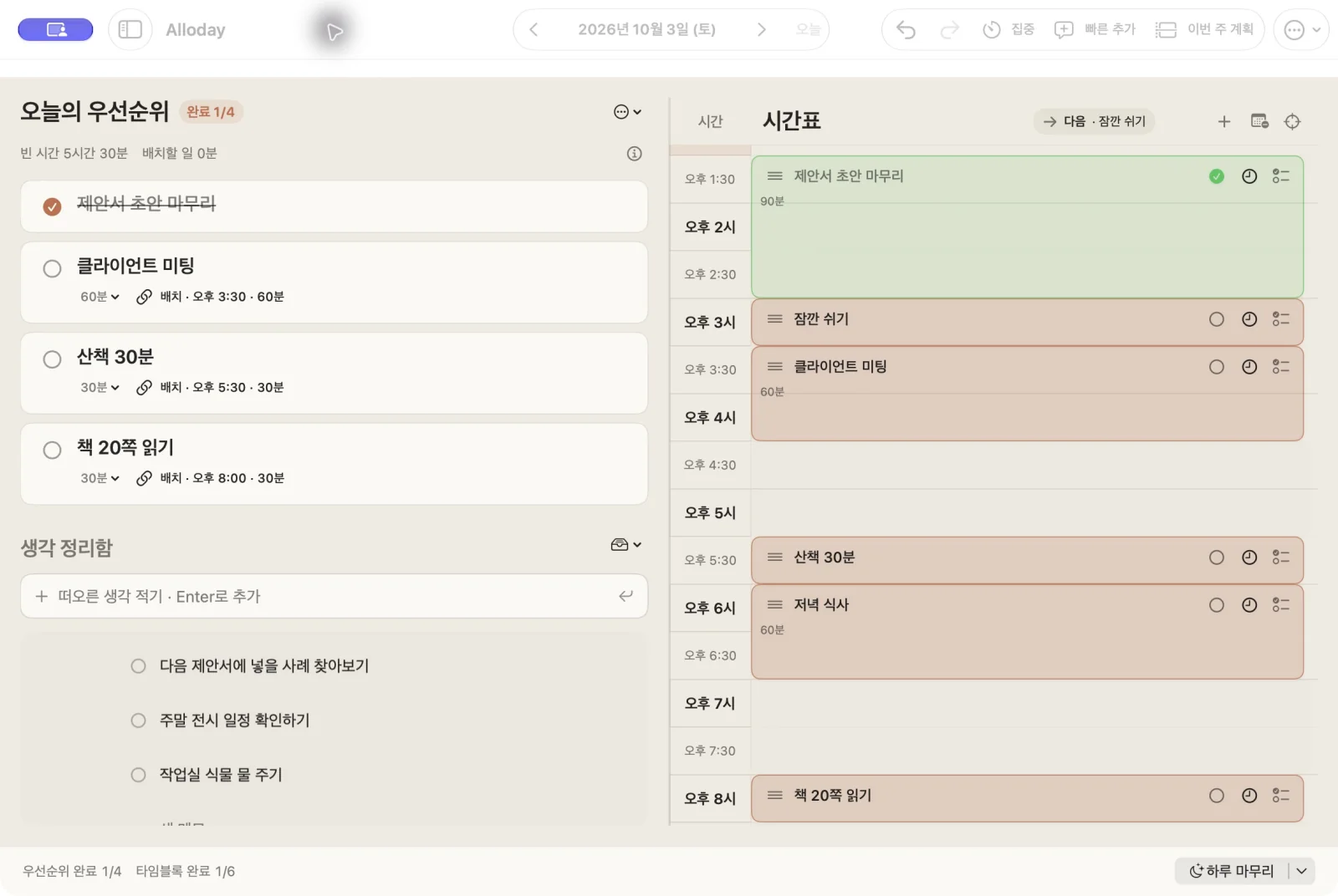
Pick up to four priorities for today.
Keep your other ideas in the inbox.
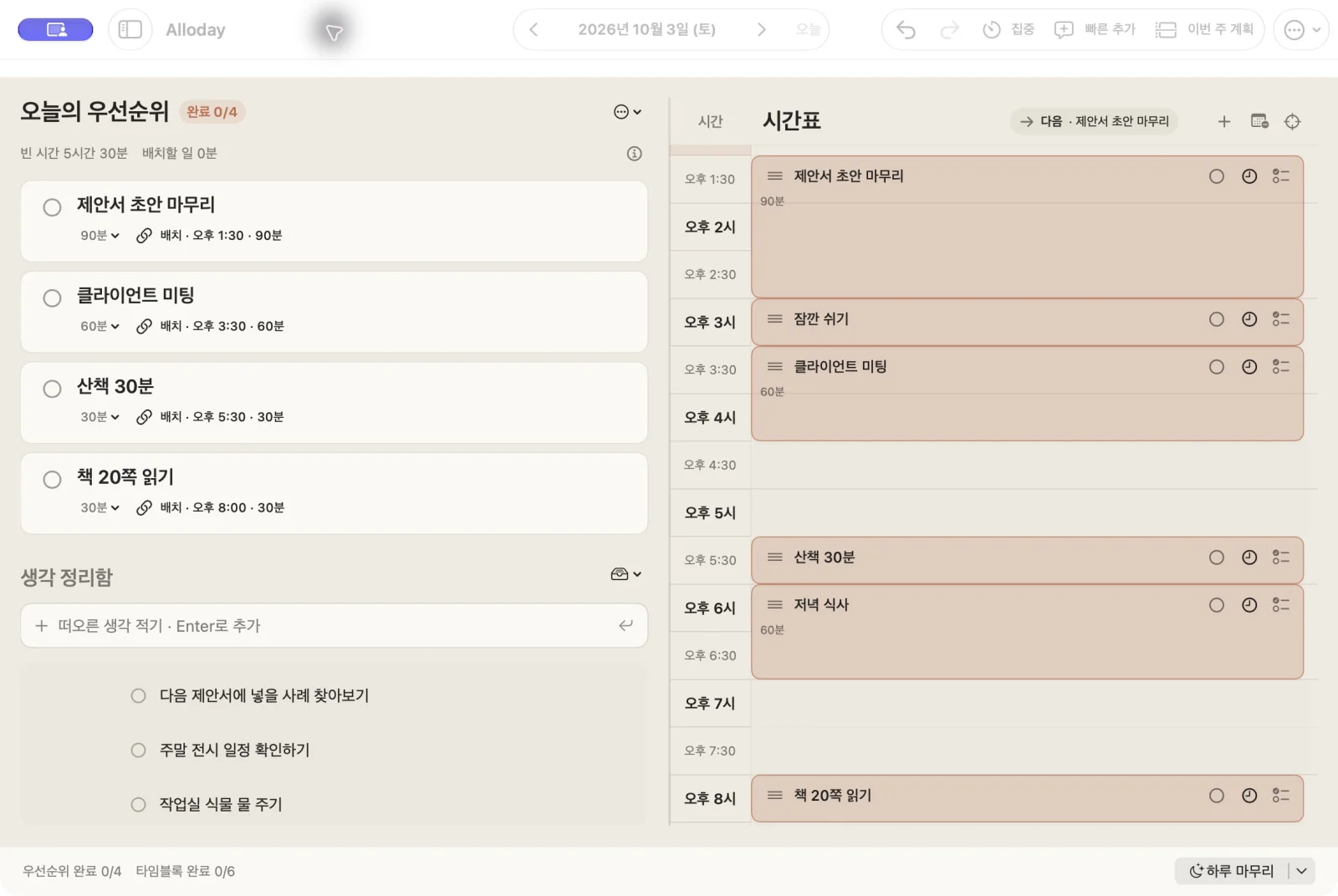
A 90-minute task needs a 90-minute space.
When your day changes, move the block.
Completed tasks are marked in the linked schedule, too.
At the end of the day, look back at what you did.
ALLODAY FOR IPHONE
Capture ideas, plan today, and look back.
Here’s how it looks on iPhone.
Collect your ideas here. Move the ones you choose for today into your priorities.
Syncs across your Mac, iPhone and iPad with your own iCloud.
Actual iPhone screen
Take your time. See how it fits.
Try it free for 21 days. Keep it with a one-time purchase.
One-time purchase $19.99 · No subscription
Free 21-day trial on the App Store
Start by claiming the free trial product in the app.
You won’t be charged automatically when it ends.
You can still read and back up existing records.
Purchase Pro to continue creating and editing records.
FAQ
A time-blocking day planner. Pick today's top 4, place them on a 30-minute timeline, and close the day with a mood and one line.
No. Try everything free for 21 days, then unlock with a one-time purchase ($19.99 in the US). One purchase covers iPhone, iPad and Mac.
iPhone and iPad (iOS/iPadOS 18+), Mac (macOS 15+), synced with your own iCloud.
Only on your devices and in your iCloud. No account, no ads, no tracking. The developer can't see it.
It shows Apple Calendar events (including connected Google calendars) on your timeline, and you can create or move events in the app.
English, Korean and Japanese, including plain-text Quick Add ("Design review tomorrow 3pm for 1 hour").
The longer your to-do list, the more scattered your day gets. Here's how to narrow today down to 3–4 priorities and put them on a schedule so they actually get done.
Structured is a popular planner that shows your day as a clean visual timeline. Here's what it shares with Alloday, where they differ, and who each one suits.
Sunsama has a great daily planning flow, but it's a monthly subscription. Here's what to look for in an alternative if you plan your day on your own, and how Alloday differs.